1
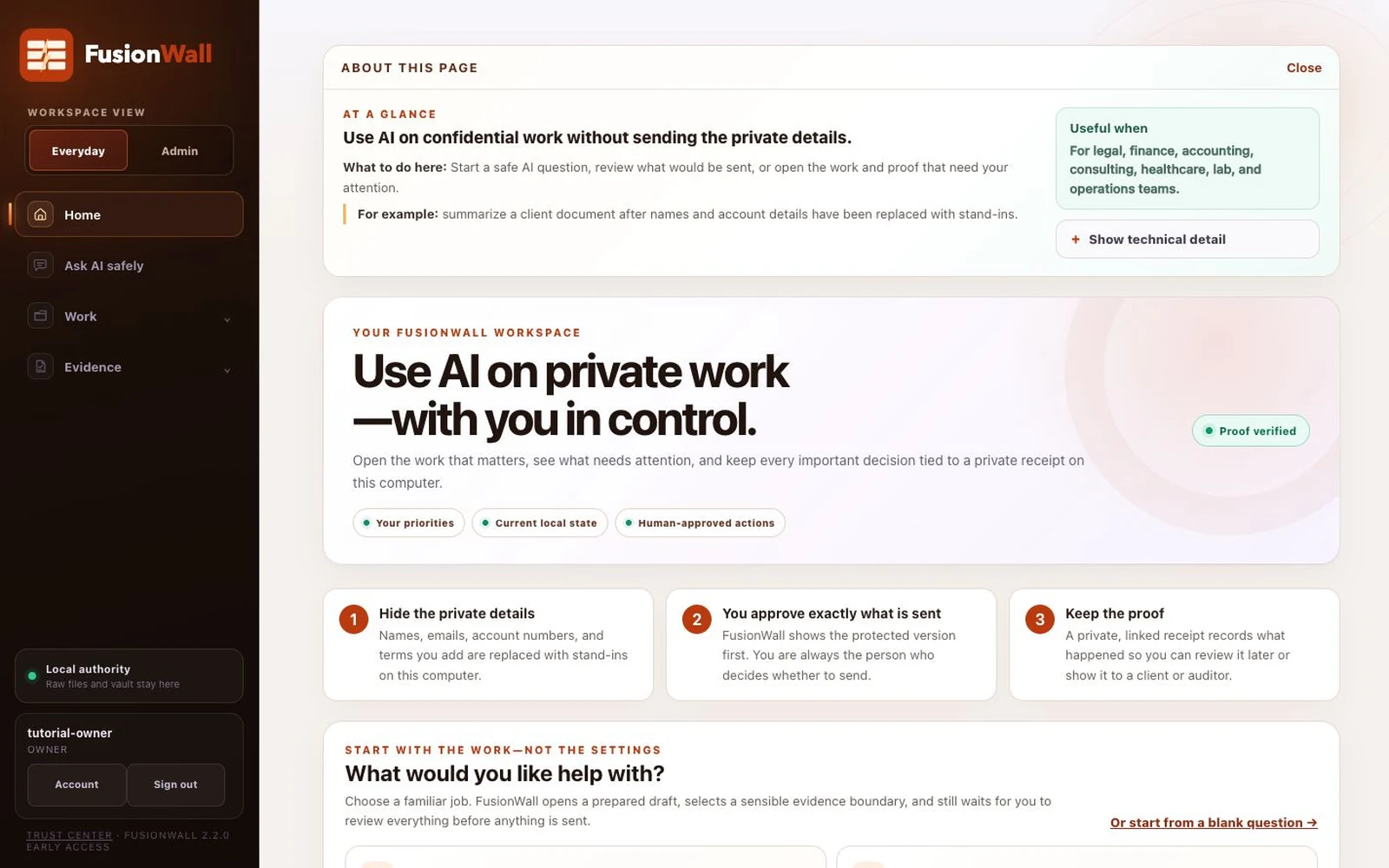
Hide the private details
Supported sensitive values and the terms you add are replaced with stand-ins on your computer.
The AI firewall for sensitive data
FusionWall hides sensitive details on your computer, shows you exactly what is about to be sent, and keeps a private receipt of what happened. You remain the person who decides when to send.
For attorneys, accountants, finance teams, consultants, founders, healthcare and lab staff, and technical teams.
Start with the work you need to do—not a wall of settings.
How it works
The same understandable path applies to a quick question, a longer conversation, and an approved automation.
Supported sensitive values and the terms you add are replaced with stand-ins on your computer.
Review the protected request, provider, model, and applicable warning. Correct it, cancel it, or continue.
A private, linked receipt records the route, policy decision, approval, and outcome for later review.
Start with work—not settings
Find obligations, renewal dates, unclear terms, and questions worth raising.
Turn selected financial results into a concise brief with private values restored only on your screen.
Prepare a bounded process, keep the human approval point visible, and preserve the result.
One system · two workspaces
Everyday keeps routine work understandable. Admin keeps provider connections, policies, recovery, and organization controls available to the people responsible for them.
Everyday workspace
Ask, review files, repeat approved processes, plan follow-up, and return to the receipt behind a result.
Admin workspace
Connect services, add stronger rules, protect important terms, plan recovery, and coordinate teams in Pro.
Inspect before you trust
These artifacts explain the implemented boundary. They are not certifications, external audit opinions, or substitutes for your own review.
Architecture
Follow raw work, protected requests, provider responses, local restoration, and the private receipt.
Synthetic example
See the metadata and linked hashes a governed action can preserve without publishing confidential content.
Security boundary
Understand what stays local, what can leave after approval, and what FusionWall cannot promise.
Standard and Pro
Standard is the complete local product and is available by invitation while public checkout remains closed. Pro is coming later with shared boundaries, people and device coordination, cross-person approvals, company knowledge, and fleet evidence.
An independent professional may need Standard. A small regulated team may need Pro. The difference is whether authority must coordinate across people and computers.
Early access
Tell us what you do, which AI service you use, and whether you need one workstation or organization-wide coordination.